An image studio in your macOS menu bar.
With an AI brain.

Capture screen region·Paste bitmap·Open image or PDF file
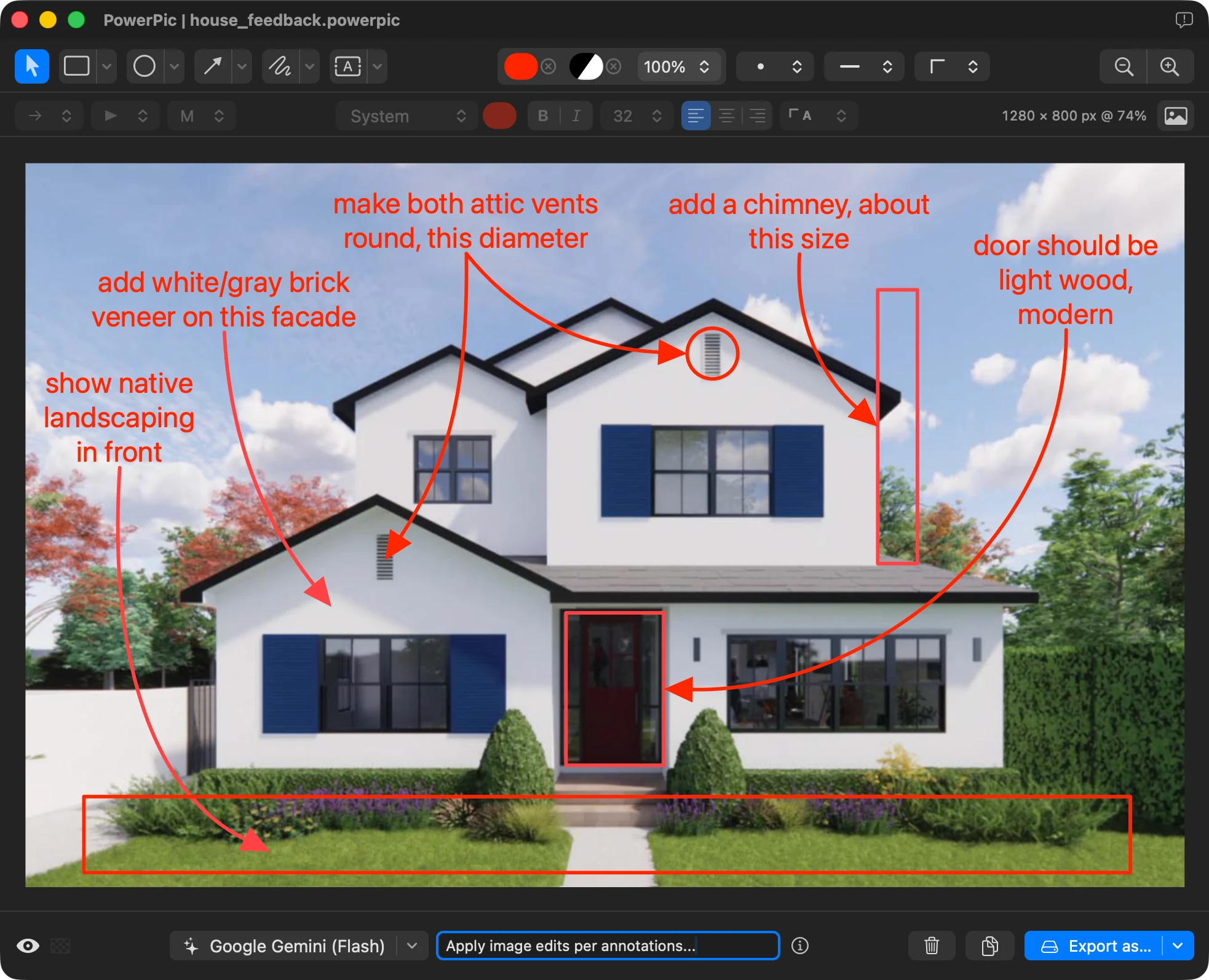
Add annotations·Make image edits·Modify via AI
Copy result·Export as·Save project
macOS 15.6+ · Apple silicon · Developer ID signed & Apple notarized
Capture & Recall
Grab any screen region — or a whole window — with a global shortcut. Open popular image formats and PDFs. Quickly access recent captures.
Annotation layers
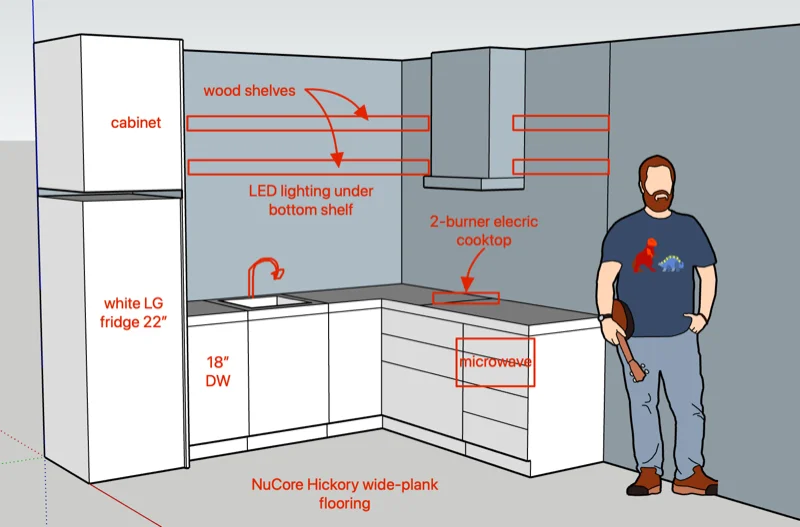
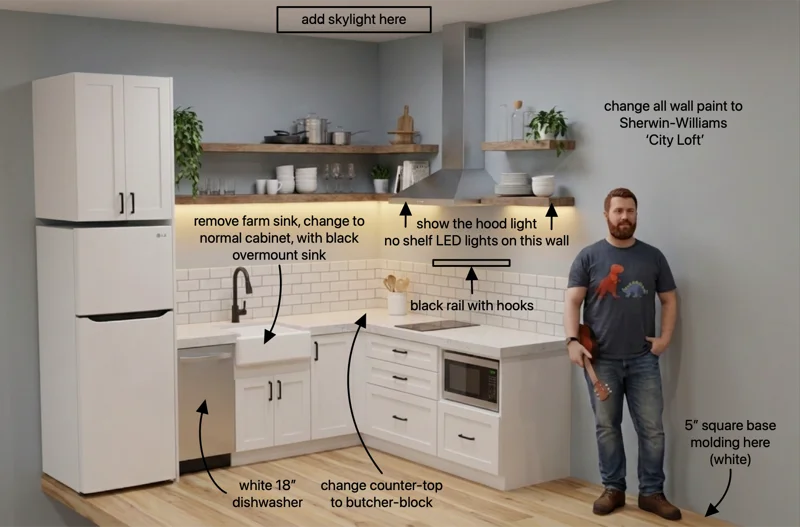
Apply rectangles/ovals, arrows, freehand, text, and image overlays as non-destructive vector layers. Multi-select, group, lock, bind arrows, save presets.
AI Assistance
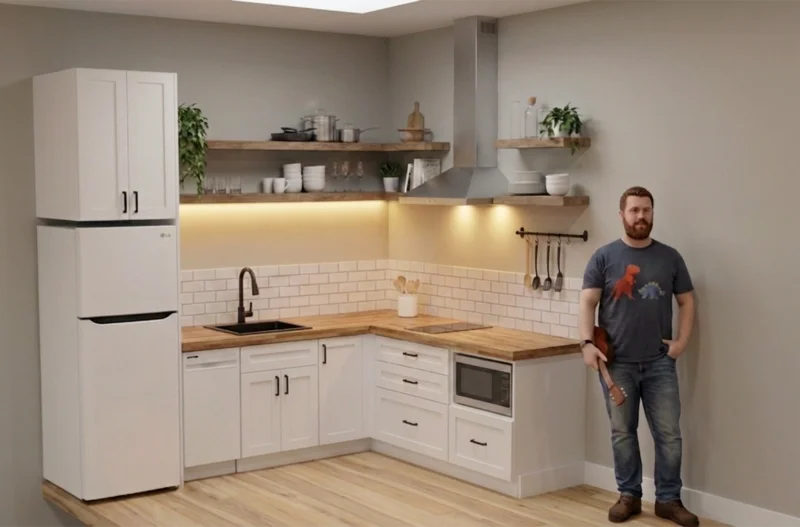
Ask AI to make targeted edits, answer questions, or apply annotations. Use on-device Apple AI or Gemini / OpenAI (with your API key).
Image editing
Easily crop or expand canvas, resize, rotate, flip, auto-enhance. Iterate over multiple layers. Add or modify alpha transparency. All with full undo.
Export & Save
Export flattened images via one-click copy or save actions. Convert between image formats. Store your work as fully editable .powerpic files.
Keyboard friendly
There's a shortcut for most actions — switch tools, zoom, nudge, apply favorite color & fill, or reorder layers — without leaving the keyboard.